Back to Blog
Tutorial
Aug 4, 2026
4 min read
Run OpenClaw with Ollama Serving Qwen3.6 on a Full H100: No Token Limits, No API Bills
Deploy OpenClaw and Ollama as two separate pods on Istidlal, connect them over public URLs, and run Qwen3.6 35B with no per-token costs and no context ceiling.

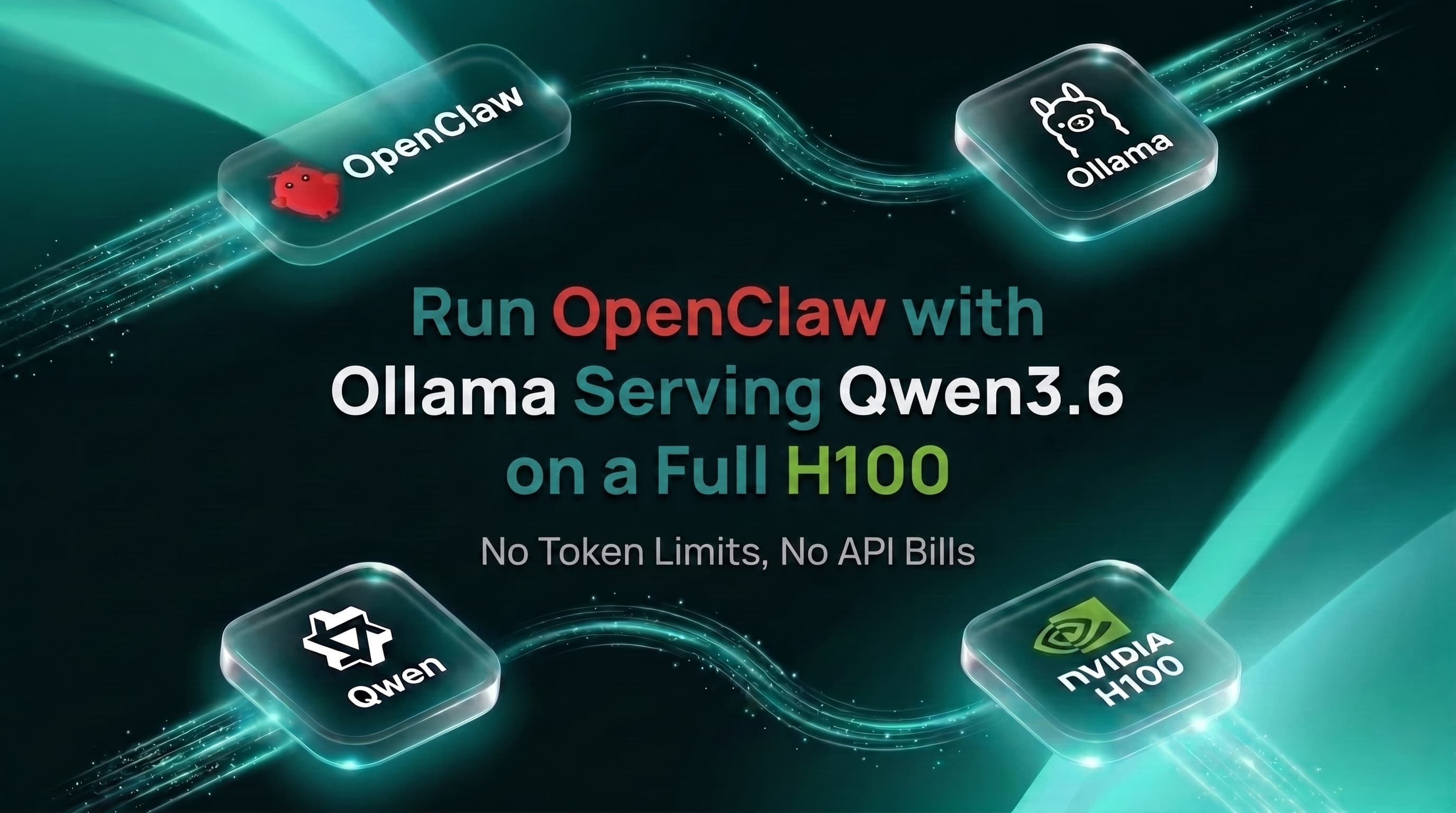
OpenClaw is an open-source autonomous agent framework. Ollama is a local model server. Put them together and you get a capable agentic setup with no per-token API costs. The usual problem is hardware: running a 35B model on your laptop either doesn't work or turns the fan into a jet engine.
This tutorial shows how to deploy both on Istidlal in about ten minutes. Two pods, two public URLs, one
openclaw config set command to wire them together.What are we building?
Deploy OpenClaw WIth Ollama Qwen3.6 on Istidlal
OpenClaw runs as a CPU workload (the agent gateway itself isn't compute-heavy), Ollama runs on a full H100 to handle inference, and Istidlal's proxy layer gives each pod a public HTTPS URL. OpenClaw calls Ollama's endpoint over that URL the same way it'd call any OpenAI-compatible API.
Two things make this work cleanly on Istidlal:
- The Agents tab has an OpenClaw entry with a pre-built image and auto-generated gateway token. No Dockerfile, no manual secret management.
- The Live GPUs tab has an Ollama template. Select it, pick your GPU, and the platform configures the container, port (11434), and public URL automatically.
How does the OpenClaw deployment work?
Open the Agents tab in the Istidlal dashboard and click on OpenClaw.
The wizard walks you through five steps: Agent, Agent setup, Resources, Access, and Review.
Agent setup is where the gateway token lives. Istidlal generates it automatically and writes it to a Kubernetes Secret. You don't need to copy it anywhere for the dashboard's "Open App" button to work; the dashboard injects it into the control-UI URL automatically. Copy it only if you plan to connect a CLI client with
openclaw connect --token.Resources offers Small (2C/4G/20G), Medium (4C/8G/50G), Large (8C/16G/100G), and Custom presets. Medium is plenty for the agent gateway itself. OpenClaw's CPU usage is low; the heavy lifting moves to the Ollama pod.
Access is where you expose the deployment publicly. Select Istidlal Public URL and keep port 18789 on HTTP with the public path set to
/. The platform generates a URL in the format <deployment-name>-<random>.istidlal.ai and routes traffic to the pod's port 18789.Click Deploy. The pod comes up in under a minute. The workload page confirms the public URL, gateway token, and internal endpoint.
How does the Ollama deployment work?
Go to Live GPUs, find an H100 full GPU, and click deploy.
Set a deployment name (this becomes part of the public URL, e.g.
qwen36), then select Ollama from the template list. The template pre-fills the container image and port configuration; you don't need to change those.For compute resources: 8-16 CPU cores, 32+ GB RAM, and 100+ GB disk is a reasonable baseline alongside an H100. The model weights for Qwen3.6 35B land around 25 GB depending on quantization.
Under Access, select Public Access. Istidlal creates a public URL following the pattern
<deployment-name>-<random>.istidlal.ai and forwards traffic to port 11434, which is Ollama's default. Write down this URL. You'll need it in the next step.Click Deploy.
Once the pod is running, pull the model. Open a terminal into the Ollama workload and run:
bash
The H100's 80 GB VRAM fits this model at full precision. No quantization required unless you specifically want it.
How do you connect OpenClaw to Ollama?
Open the Terminal tab on the OpenClaw workload. One command does the configuration:
bash
Replace
qwen36-don0ej.istidlal.ai with your actual Ollama public URL from the previous step. The apiKey value of "ollama" is a placeholder; Ollama doesn't require an authentication key.OpenClaw writes the config to
/home/node/.openclaw/openclaw.json and confirms the update. Then restart the gateway:bash
The terminal session drops (exit code 137, expected) and the pod restarts cleanly.
What does the result look like?
Back on the OpenClaw workload page, click Open App. The dashboard appends the gateway token to the URL automatically, so you land directly in the OpenClaw control UI without logging in manually.
Select Qwen3.6 as the active model in the model picker and start a conversation. The request goes from the web UI to the gateway pod, which forwards it to Ollama on the H100.
No API bill accumulates. The only cost is Istidlal pod time while the deployment runs.
FAQ
What is OpenClaw?
An open-source autonomous AI agent framework. It runs a local gateway (port 18789) that handles task scheduling, LLM request routing, and tool execution. Users interact via a browser-based chat interface.
An open-source autonomous AI agent framework. It runs a local gateway (port 18789) that handles task scheduling, LLM request routing, and tool execution. Users interact via a browser-based chat interface.
Why run Ollama separately from OpenClaw?
OpenClaw handles agent logic; Ollama handles inference. Separate pods let you give each the right resources, swap models without redeploying the agent layer, and stop the GPU pod when you're not running inference to save money.
OpenClaw handles agent logic; Ollama handles inference. Separate pods let you give each the right resources, swap models without redeploying the agent layer, and stop the GPU pod when you're not running inference to save money.
Does OpenClaw support Ollama as a model provider?
Yes. One
Yes. One
openclaw config set command with a JSON block specifying baseUrl, apiKey, and a models list is enough to point the gateway at any Ollama-compatible endpoint.Do I need to pull models manually after deploying Ollama?
Yes. The Ollama pod starts empty. Pull whichever model you want with
Yes. The Ollama pod starts empty. Pull whichever model you want with
ollama pull <model-id> from the terminal before configuring OpenClaw.Read Next
Deep dives into infrastructure and AI.
Tutorial
Aug 3, 20262 min read
Run your Local Jupyter Notebooks on ANY remote GPU directly from VSCode
Eliminate the tedious setup and constant context switching required to run Jupyter notebooks on remote GPUs directly from VSCode using Istidlal extension
Read Article
Tutorial
Jul 28, 20265 min read
How to Deploy and Run Hermes on a GPU Slice
Deploy Nous Research's 405B-parameter Hermes 3 model efficiently using a 48GB GPU slice and FP8 quantization.
Read Article
Infrastructure
Jul 28, 20266 min read
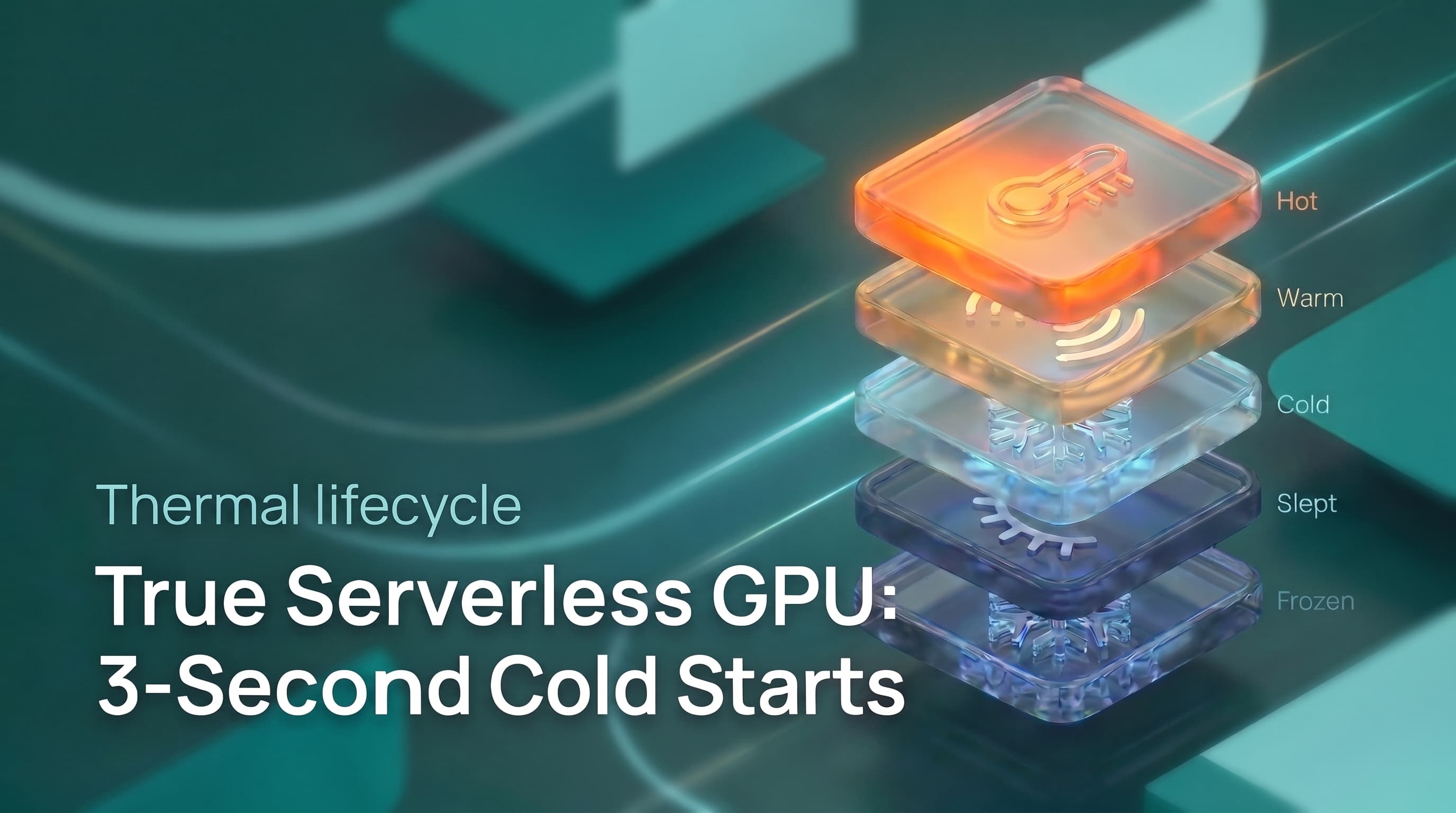
True Serverless GPU: 3-Second Cold Starts, Hot and Cold Serving
Discover how five compounded optimizations enable 3-second GPU cold starts and true serverless economics for inference workloads.
Read Article